
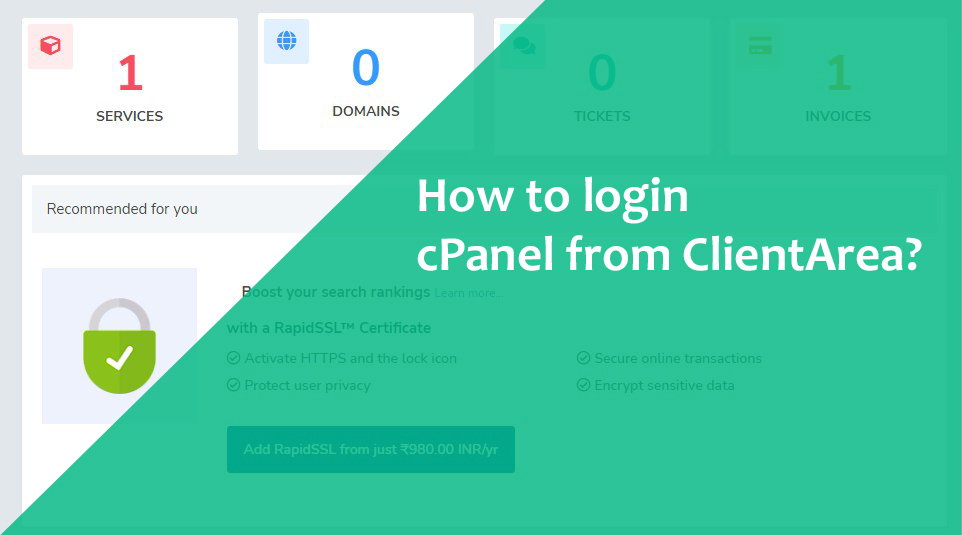
Max Cloud Host’s Client Area allows users to directly log in to their cPanel account without entering a username and password from its dashboard.
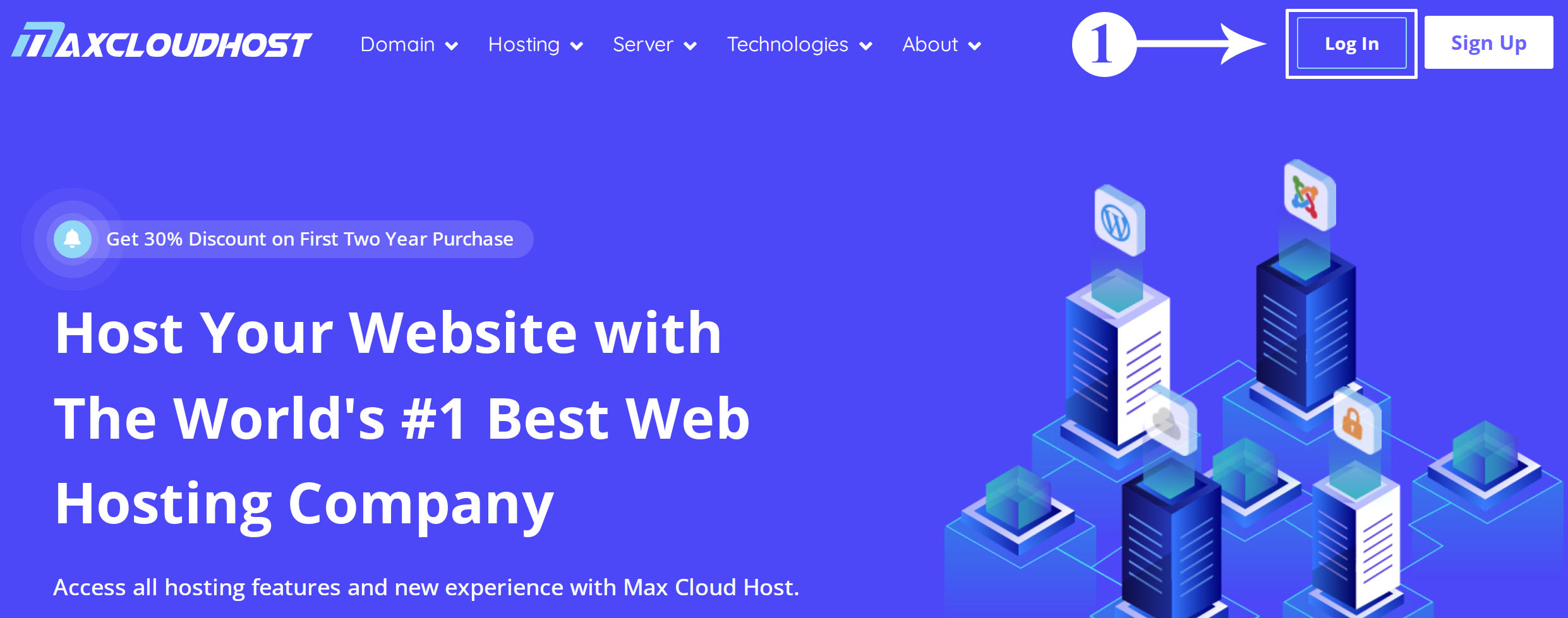
Step 1:
Open the Max Cloud Host website in any browser and click on the Login button in the top right corner.
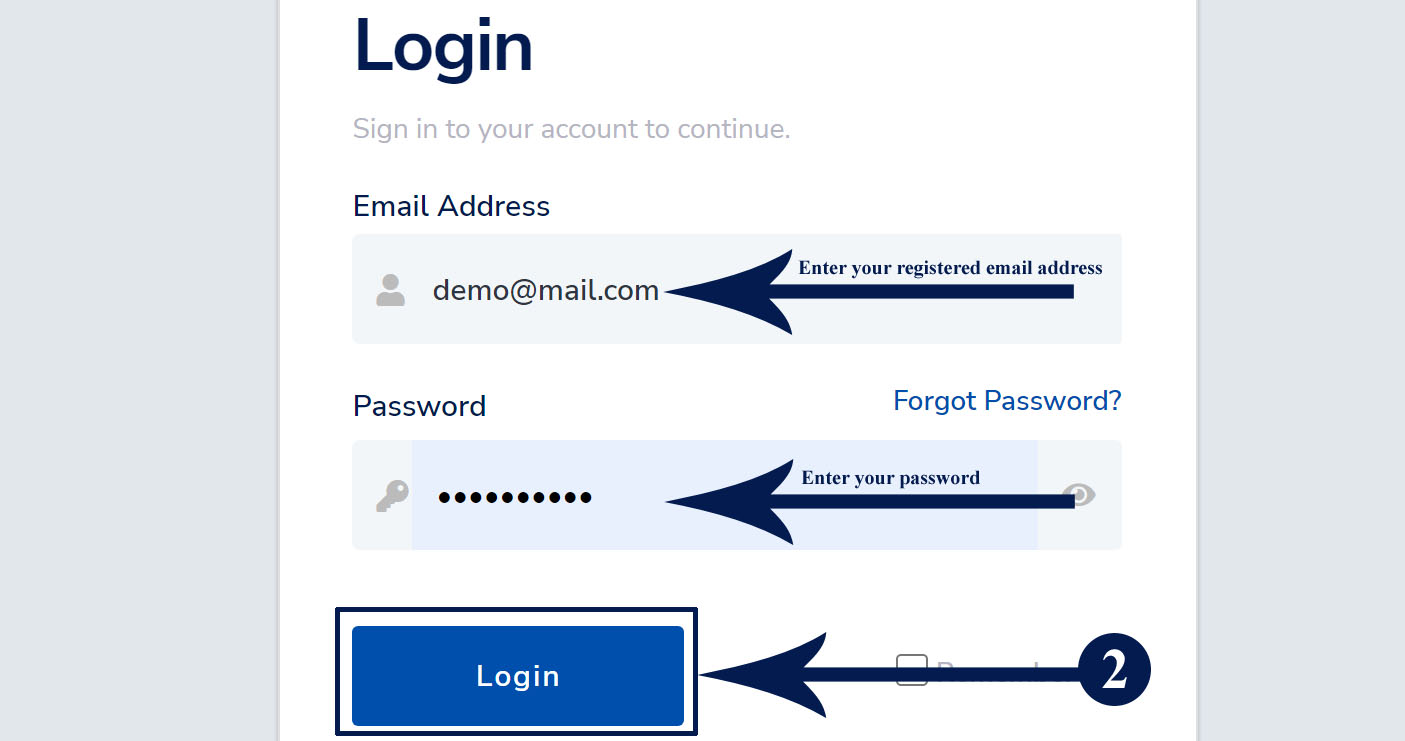
 Step 2:
Enter your registered email, and password and click on the Login Button.
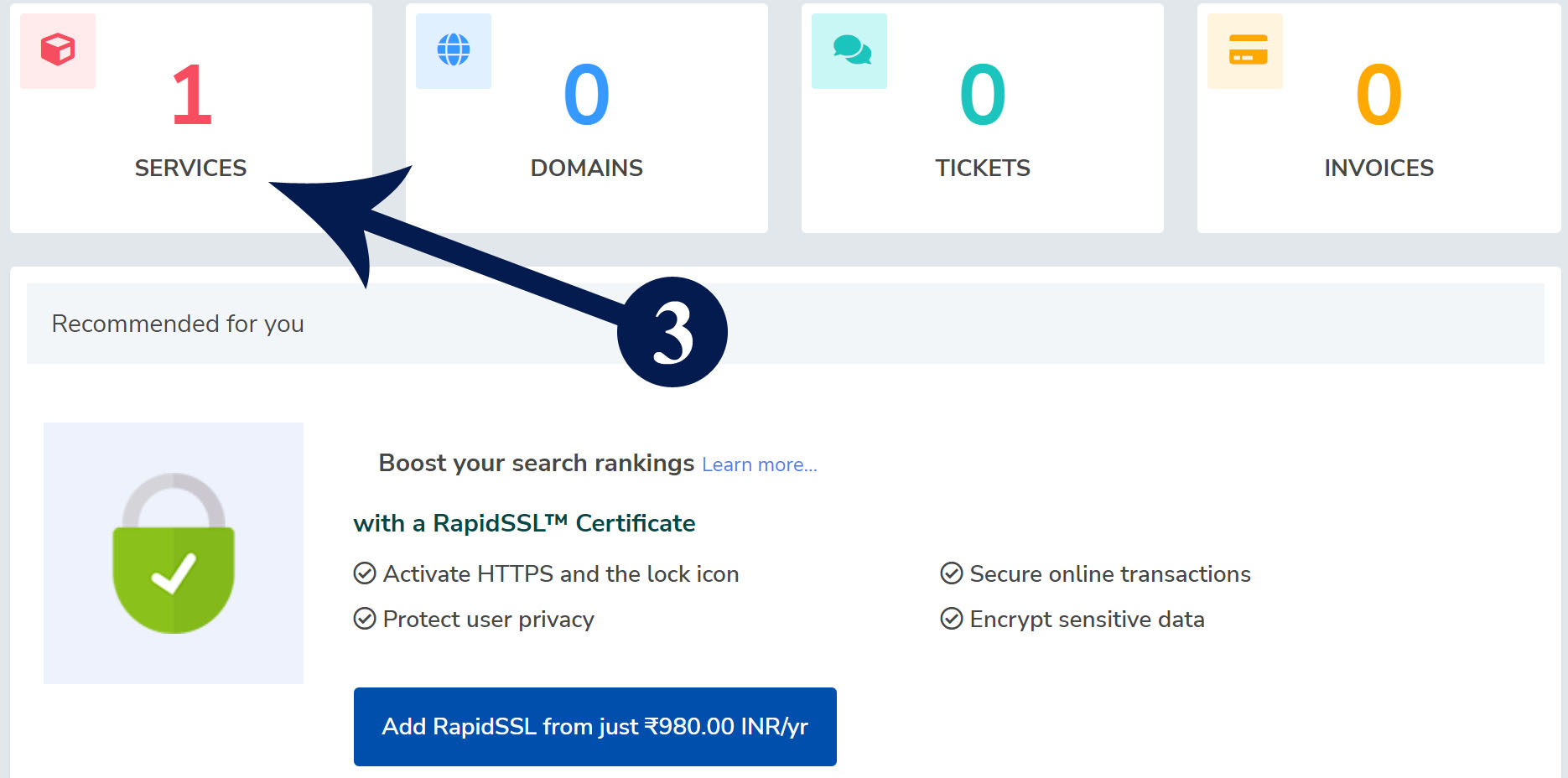
 Step 3:
After login, click on the Services box.
Related: Free Hosting Vs Paid Hosting, 7 Main Walls to Know
Step 4: In the listed hosting package, click on the active button that you want to log in to cPanel.
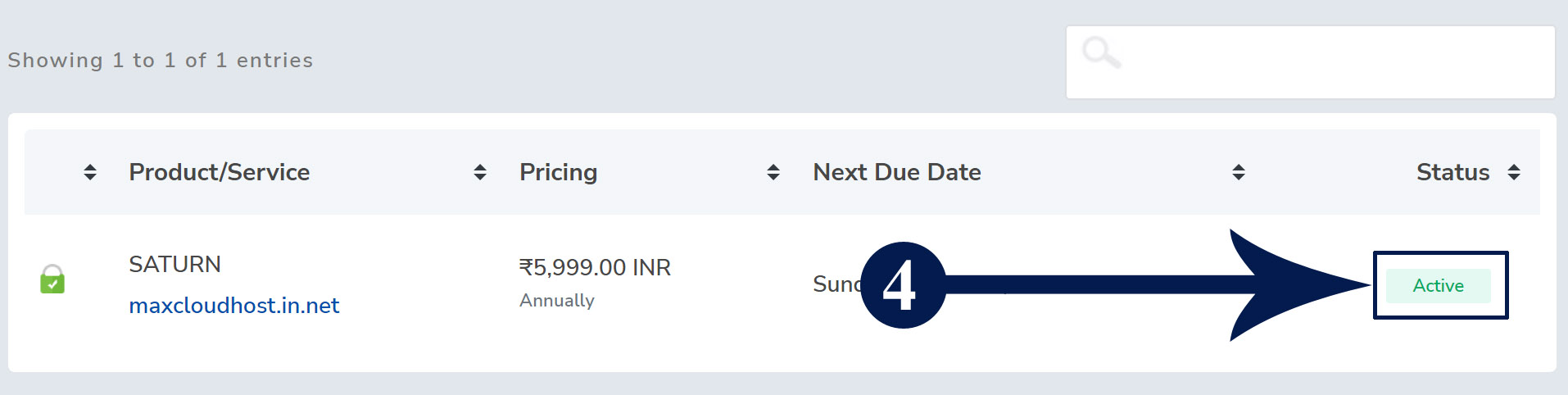
Step 5: Click on the “Login To cPanel” link on the left side menu.
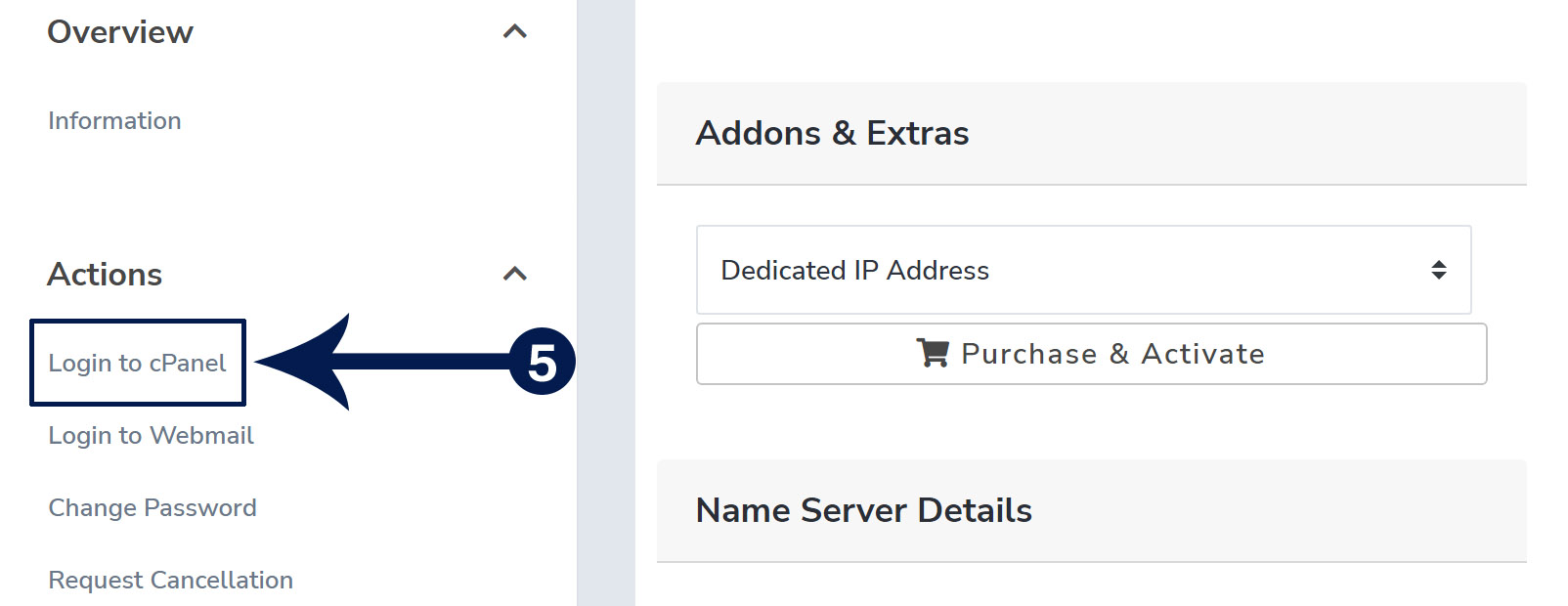
Note: After you click on the link, your cPanel will open in a new window without asking for your username and password.

I am the CEO, Found of Max Cloud Host offering quality and affordable services to global clients. I am an expert in the Web Hosting niche and give full support to all of our customers anytime.
Introduction Do you knowHow to install WordPress in cPanel using Softaculous. This is one of the best and easiest ways…
To install the CloudLinux Operating System in WHM, follow these steps. Step 1: Login to your SSH as the root…

Follow these steps to uninstall Imunify360 from the WHM root server. Step 1. Log in to SSH as a root…